
About
A robot arm can move to any point you give it with precision. But it doesn’t know where the part is, whether it’s oriented the right way, or whether the paint came out scratched. That’s what vision is for.
In this free, self-paced course, you’ll work in a realistic NVIDIA Isaac Sim factory, writing the computer vision that lets three robot arms assemble and inspect mailboxes. A live scoreboard tracks every defect you catch and every one that slips past. A missed defect ships to a customer, and a false alarm stops the line, so every decision you make has a visible cost.
Using models from the Viam registry, you’ll build an infeed check, undistort a fisheye camera, turn pixels into points an arm can reach, and grasp parts from a point cloud. Then you’ll check the paint and run the full line end to end.
By the end, you’ll be able to:
- Deploy classification and detection models from the Viam registry as vision services, and read their labels, confidences, and bounding boxes in Python
- Read a camera’s intrinsics and explain why a fisheye frame has to be undistorted before you measure in it
- Turn a pixel and its depth into a point in the world frame that an arm can act on
- Pick a grasp point from a point cloud
- Set a confidence threshold based on the real cost of each kind of error
- Run and diagnose a full vision pipeline
When you finish, your robot won’t just move where it’s told. It’ll see what’s in front of it and decide what to do about it.
For the best learning experience, we recommend starting with Viam 101.
See what people are saying about Viam courses
“Viam 101 is a good introductory course for people who can code and want to get started with robotic manipulation. It helped me understand how to think about robotic arms and ended with a working palletizing robot.”
Ashwani R.
Software Engineering Master Student
“This course showed what Viam can do in an easy to understand way. It was straight to the point, clear, concise, and interactive. Now I understand how to control robots over cloud.”
Park
Robotics engineer
"It is a great course to see how the sim to real gap is being addressed and how amazing this space is going to be in the future.”
Ujjwal
Data scientist
"The course takes users through the basic principles of the Viam development environment and how Viam interacts with hardware. The course also clarifies how the hierarchy of components is used within systems.”
Dan P.
CTO
Recommended skills
Prior robotics experience is not required. You should have:
- Completion of Viam 101 (or equivalent). You should already be comfortable configuring hardware in Viam and writing basic control logic.
- Coding fundamentals. You know how to program.
- Linux terminal basics. You know how to use a command line interface.
- Comfort reading JSON. Same as 101, you'll edit meta.json and configure attributes, though you won't need to write JSON from scratch.
Course outline
1. OVERVIEW
2. Set up the work cell
3. Your first classification
4. Write the infeed check
5. What the camera sees
6. Undistort the fisheye
7. From a pixel to a point
8. From pixels to space
9. Your first detection
10. Find the bore, install the pin
11. Find the flag hole, insert the flag
12. See the mailbox in a point cloud
13. Grasp the side wall from a point cloud
14. Check the paint using multiple detections
15. Run the line end to end
16. Recap
Instructor
Brandon Shrewsbury
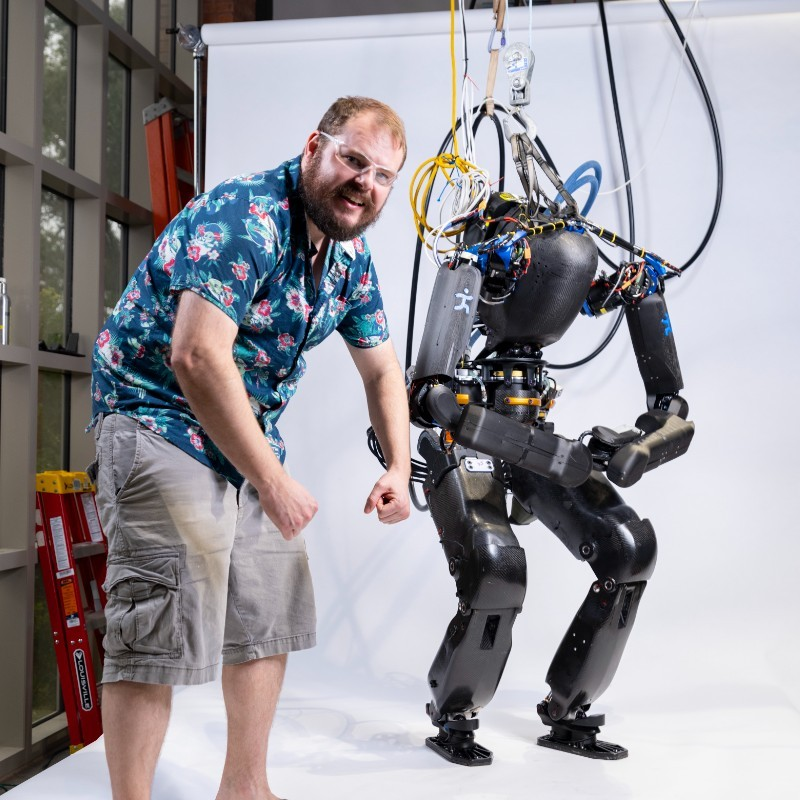
Brandon Shrewsbury is a Staff Technical Content Engineer on the Education team at Viam. He has developed hardware, software, and electrical systems for humanoid and quadruped robots for commercial applications.
Viam Education
Viam Education is a free, developer-first program designed to help engineers learn robotics and build on the Viam platform. Viam Education brings together a series of free online courses, live events, hackathons, and NYC office hours to make building robotics applications more accessible than ever. Viam 101 is available now; upcoming courses include software engineering for robotics, motion planning, computer vision, and more. Join the Viam Discord for updates on events, courses, and more.
FAQ's
Common questions
Do I need to take Viam 101 first?

No, but we strongly encourage you start with Viam 101 for the best learning experience.
Do I need a Viam account?
Yes, a free Viam account is required. You'll create one at app.viam.com at the start of the course.
Do I have to pay for the simulation?
No. Simulation credits are added to your Viam account automatically, so you can run the full course without paying anything.
Do I need a robot or a camera?
No. The simulated work cell, cameras, and every model are provided. Everything runs in your browser.
Do I need a powerful computer or GPU?
No. Because the simulation runs entirely cloud-side and renders in your browser, you don't need a high-end graphics card or a complex machine. If your computer can comfortably run a couple of modern browser tabs, you have more than enough power to complete the course.
Do I need computer vision or machine learning experience?
No. If you can write a simple Python function, you’re ready. The course walks you through every concept, with short videos where a concept needs one.
Which programming language does the course use?
The course uses Python. It's one of the languages supported across Viam's platform, so the skills carry over directly to real projects.
Will what I learn work on a real robot?
Yes. You’ll follow the same steps you would with a real camera on a real robot, from reading camera intrinsics to converting pixels into world coordinates.
Do I have to train my own model?
No. Every model you need is provided through the Viam registry.
Is the full project available on GitHub?
Yes, the full project will be available on GitHub.
Can I pause and come back later?
Yes. The course is self-paced and your progress saves, so you can pick up where you left off.
What does Viam cost after the course?
Viam is free to start. After your first $5/month in usage, pricing is usage-based. No subscription required to keep building.
Is this a sales pitch?
No. This is a technical course built to teach you robotics fundamentals.