
About
A script works fine on your laptop, but close the lid, lose the connection, or walk away, and it stops. This free, self-paced course, that runs entirely in simulation, teaches you to turn that logic into a production-grade Viam module: a "plug-in" for your robot that keeps working even when your laptop's turned off.
Using starter code, you'll generate the scaffold, wire up your control logic through DoCommand, add real dependencies and configurable attributes, and release it, first locally, then from GitHub with a cloud build that ships to every platform at once.
By the end, you'll be able to:
- Turn a working script into a module viam-server runs, supervises, and restarts on its own
- Implement a DoCommand API so any caller can drive your logic through documented verbs
- Configure dependencies and attributes so behavior comes from config, not hardcoded values
- Release and push updates over the air, the same way real robots in the field get maintained
- Wire in sensors and hand the whole thing to a scheduled job, so the cell runs unattended
When you finish, your robot won't just work, it'll keep working on its own, without you clicking a thing.
For the best learning experience, we recommend starting with Viam 101.
See what people are saying about Viam courses
“Viam 101 is a good introductory course for people who can code and want to get started with robotic manipulation. It helped me understand how to think about robotic arms and ended with a working palletizing robot.”
Ashwani R.
Software Engineering Master Student
“This course showed what Viam can do in an easy to understand way. It was straight to the point, clear, concise, and interactive. Now I understand how to control robots over cloud.”
Park
Robotics engineer
"It is a great course to see how the sim to real gap is being addressed and how amazing this space is going to be in the future.”
Ujjwal
Data scientist
"The course takes users through the basic principles of the Viam development environment and how Viam interacts with hardware. The course also clarifies how the hierarchy of components is used within systems.”
Dan P.
CTO
Recommended skills
Prior robotics experience is not required. You should have:
- Completion of Viam 101 (or equivalent). You should already be comfortable configuring hardware in Viam and writing basic control logic.
- Coding fundamentals. You know how to program.
- Linux terminal basics. You know how to use a command line interface.
- Comfort reading JSON. Viam uses JSON to configure your components and connections. You don't need to write it from scratch, but you should be comfortable reading and editing config files.
Course outline
1. OVERVIEW
2. The CLI and your machine
3. Create your module
4. Release your module
5. DoCommand
6. Add a dependency
7. Write place
8. Write pack
9. Attributes and validation
10. GitHub and cloud build
11. Pack on its own
12. Recap
Instructor
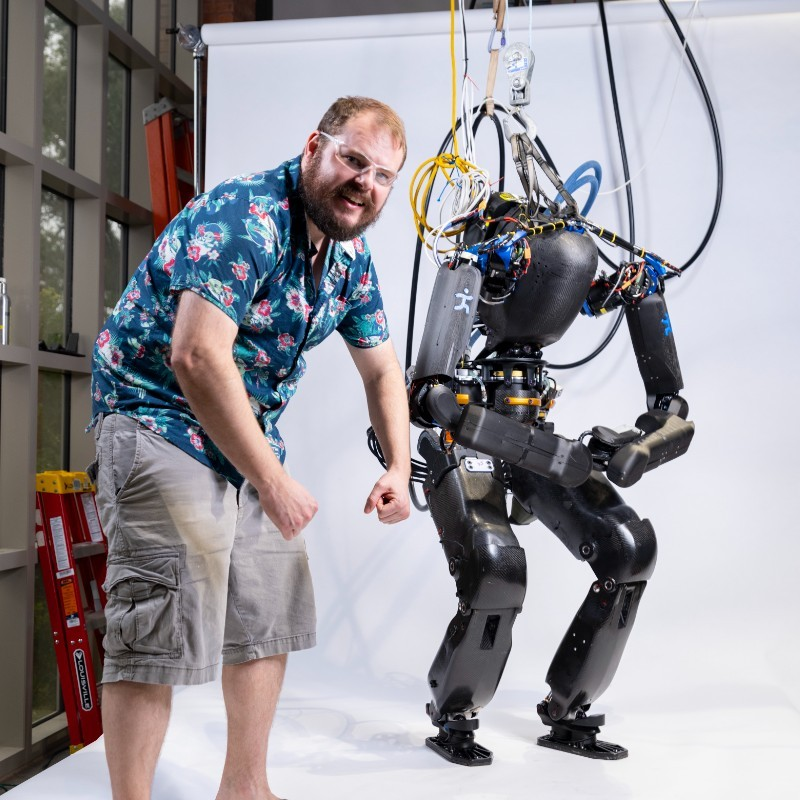
Brandon Shrewsbury
Brandon Shrewsbury is a Staff Technical Content Engineer on the Education team at Viam. He has developed hardware, software, and electrical systems for humanoid and quadruped robots for commercial applications.
Viam Education
Viam Education is a free, developer-first program designed to help engineers learn robotics and build on the Viam platform. Viam Education brings together a series of free online courses, live events, hackathons, and NYC office hours to make building robotics applications more accessible than ever. Viam 101 is available now; upcoming courses include software engineering for robotics, motion planning, computer vision, and more. Join the Viam Discord for updates on events, courses, and more.
FAQ's
Common questions
Do I need to take Viam 101 first?

No, but we strongly encourage you start with Viam 101 for the best learning experience.
Do I need a Viam account?
Yes, a free Viam account is required. You'll create one at app.viam.com at the start of the course.
What simulation tool does the course use?
You'll work in Viam's built-in simulation environment, fully in your browser. Nothing to install or run locally.
Do I need a powerful computer or GPU to run the simulation?
No. Because the simulation runs entirely cloud-side and renders in your browser, you don't need a high-end graphics card or a complex machine. If your computer can comfortably run a couple of modern browser tabs, you have more than enough power to complete the course.
Which programming language does the course use?
The course uses Python. It's one of the languages supported across Viam's platform, so the skills carry over directly to real projects.
Can I use the code I write on a real robot?
Yes. The same code you write in simulation runs on physical hardware with minimal to no changes.
Will the course code be available after I finish?
Yes, the full project will be available on GitHub.
Can I pause and come back?
Yes. The course is self-paced and your progress saves, so you can pick up where you left off.
What does Viam cost after the course?
Viam is free to start. After your first $5/month in usage, pricing is usage-based. No subscription required to keep building.
Is this a sales pitch?
No. This is a technical course built to teach you robotics fundamentals.